 BlockGain
A study timer for students
Study more.
Scroll less.
Start a focus timer, and the apps that pull you away stay closed until it's done. Plan when you study, and BlockGain reminds you when it's time.

Out now on iPhone. Android is coming soon.
Free for every student. No account, no subscription.
01 · Focus
Two taps, and you're studying
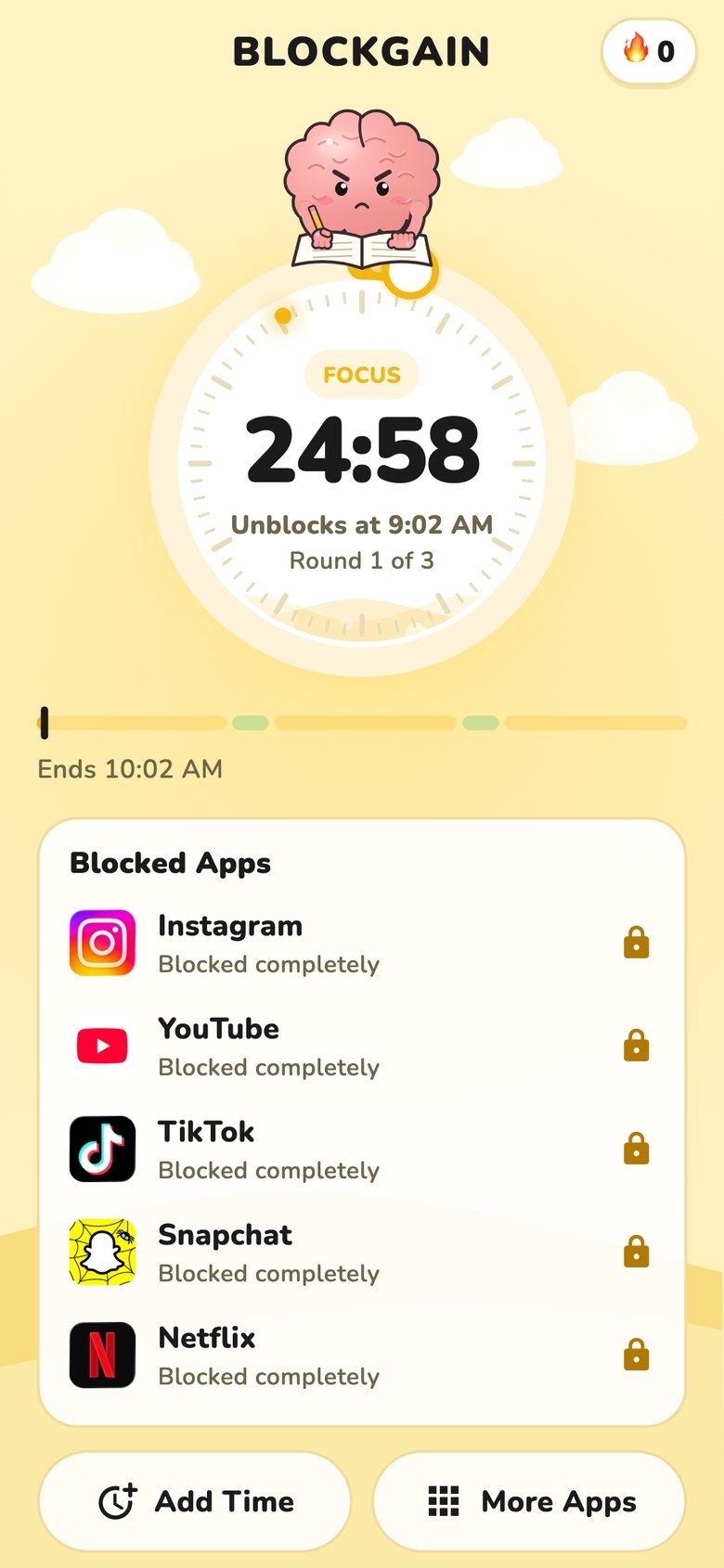
Pick a timer or Pomodoro rounds, see exactly how your session splits into focus and breaks, and start. Your blocked apps stay closed until the timer ends.
- Timer or Pomodoro, breaks built in
- Your distracting apps, blocked for the session
- Strict mode: no stop button, no way to unblock
- YouTube study mode: only your study channels
02 · Plan
Know when you study
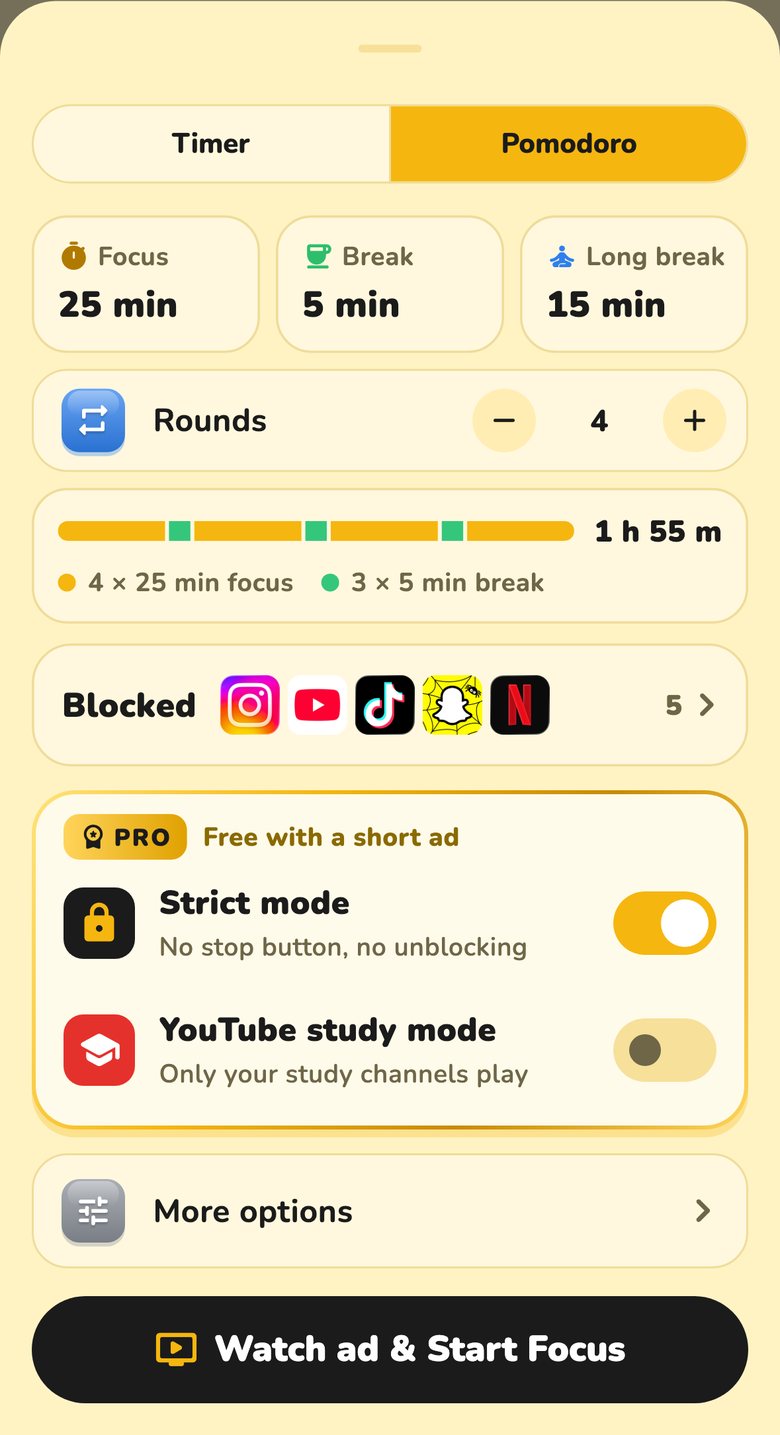
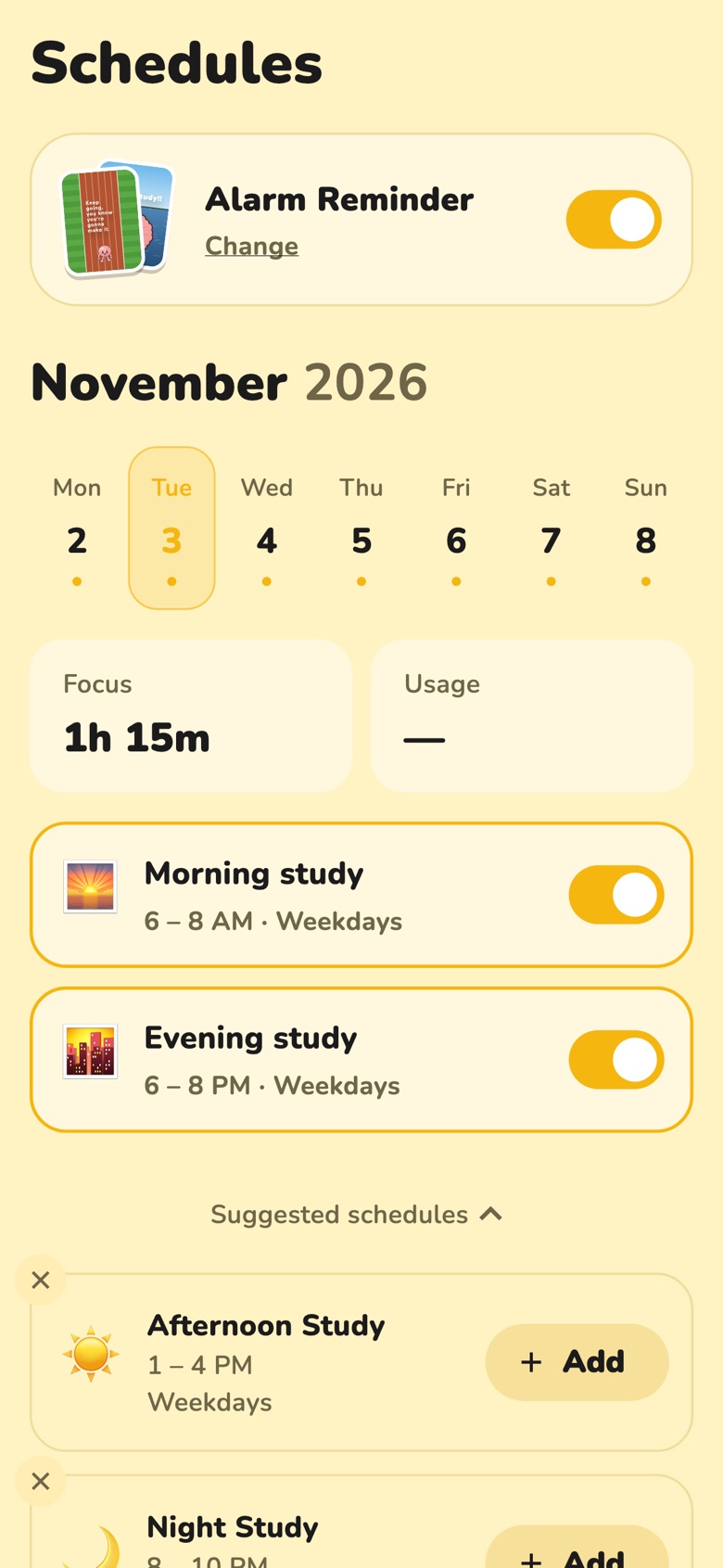
Set your study times once: mornings on weekdays, longer sessions at the weekend, whatever fits. BlockGain reminds you as each one starts, and one tap opens the timer set to the right length.
- Weekday and weekend schedules
- A reminder when each one starts
- Open a blocked app at study time and "Time to focus" asks first
03 · Get up
An alarm that sends you to your desk
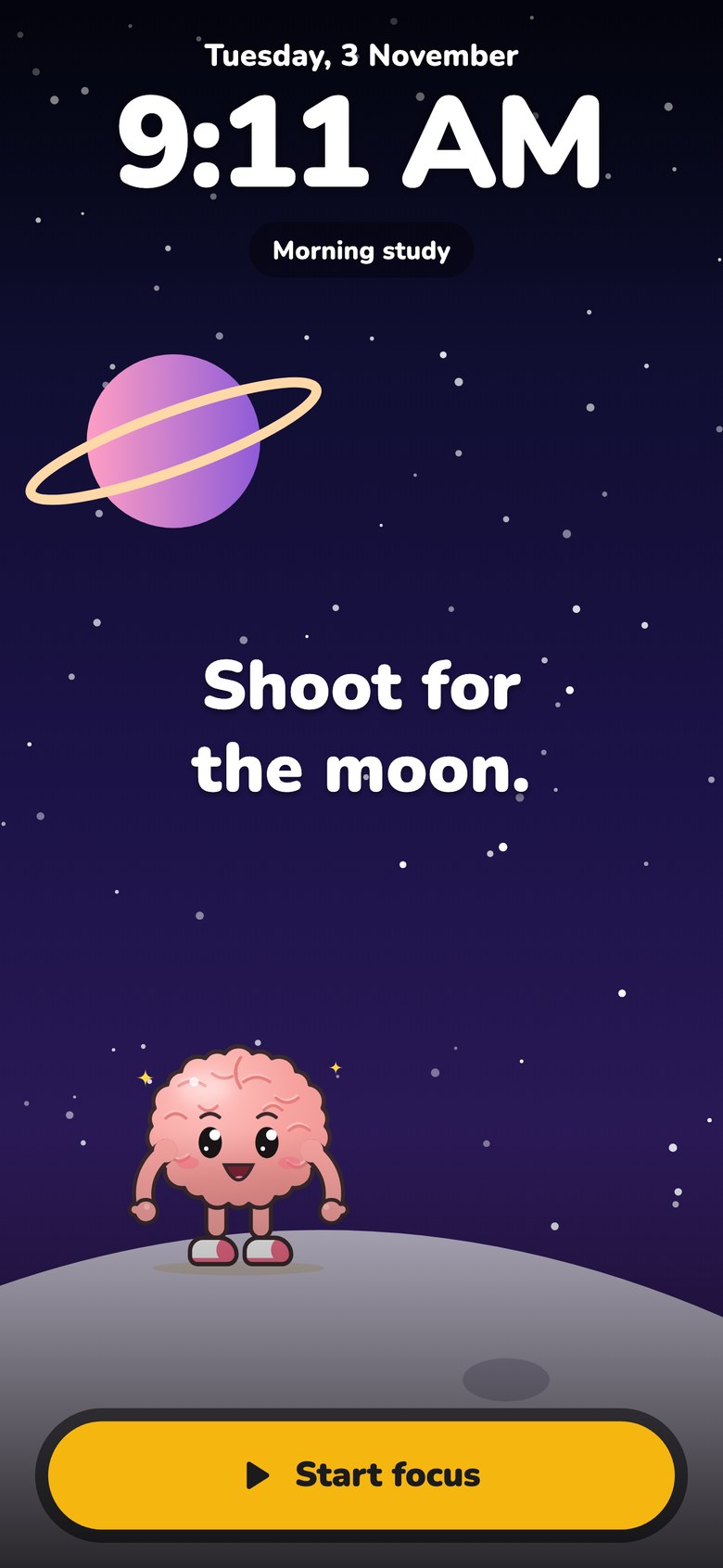
Turn on alarm reminders and a real alarm rings when your study time starts, even on silent. Pick a picture and a sound you like, then tap Start focus and your timer is ready.
04 · Look back
See your week of focus
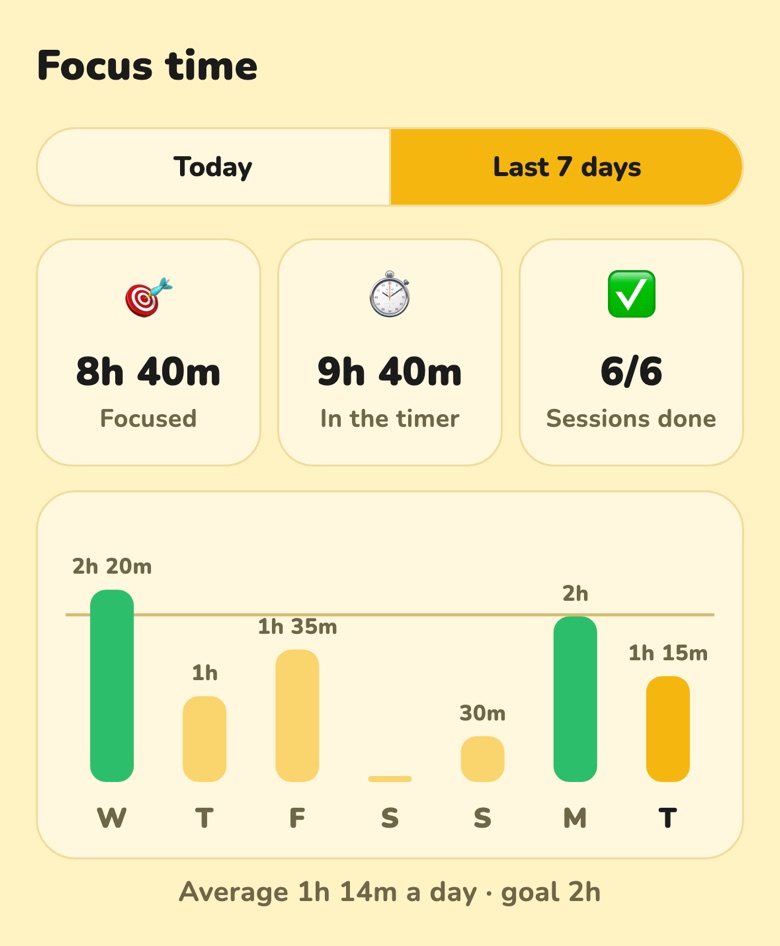
How long you really focused, how long you spent in the timer, and every day of the week against your goal. Plus your screen time, so you can see where the rest went.
Free, for every student
No subscription, no paywall, no account. The timer, blocking and schedules are always free. Strict mode, YouTube study mode and ending a session early are free with a short ad you choose to watch.
Your study data stays on your phone. Read the privacy policy.
Questions
Does it work on iPhone?
Yes. On iPhone, BlockGain uses Apple's Screen Time to block apps and websites while you focus. Apple doesn't let apps see inside YouTube or Instagram, so on iPhone you block whole apps, not just Shorts or Reels.
Can I stop a session early?
A normal session, yes: end it after a short ad. In Strict mode, no. It ends when the timer does, so turn it on when you really mean it.
Is it free?
Yes. There's no subscription. Strict mode, YouTube study mode and ending a session early are free with a short ad. There are no ads anywhere else.
Why does it need Accessibility on Android?
It's how Android lets an app see which app is open, which blocking needs. BlockGain explains exactly what it reads before you turn it on, and nothing it reads is stored or sent anywhere.
How do I delete my data?
Everything is on your phone. Uninstall the app or clear its storage and it's gone. There's nothing on our side to delete.